Let’s be honest — clean product photos sell more.
But not everyone has Photoshop. And most “free” online tools have a hidden cost: they upload your photos to their servers. Your private images, stored somewhere you don’t know.
What if there was a tool that:
✅ Removes backgrounds in 15 seconds
✅ Never uploads your images anywhere
✅ Requires no signup or email
✅ Is completely free, forever
Meet iBGremove.com — a browser-based background remover built for privacy-conscious creators.
In this tutorial, I’ll show you exactly how to use it, step by step.
Why Clean Product Photos Are Crucial for Indian & Pakistani Sellers
On platforms like Instagram, Facebook Marketplace, Meesho, Amazon, and WhatsApp Business, product photos with clean backgrounds get:
- 40% more clicks
- Higher trust from buyers
- Better visibility in search results
But hiring a designer costs money. Learning Photoshop takes time. And using the wrong tools is one of the 15 social media mistakes that kill your reach. Free online tools also steal your data.
That’s why iBGremove exists.
What Makes iBGremove the Best Free Background Remover for Privacy
Most background removers work like this:
- You upload your photo
- It goes to their server
- AI processes it
- You download the result
The problem? Your photo stays on their server. You don’t know who can access it.
iBGremove works differently:
🔒 Everything happens inside YOUR browser
📸 Your photos NEVER leave your device
⚡ AI processes in 5-10 seconds
♾️ Unlimited free use, no signup
📱 Works on mobile and desktop
It’s the privacy-first background remover built for people who care about their data.
Step-by-Step Tutorial: How to Remove Background from Image Free
Follow these simple steps:
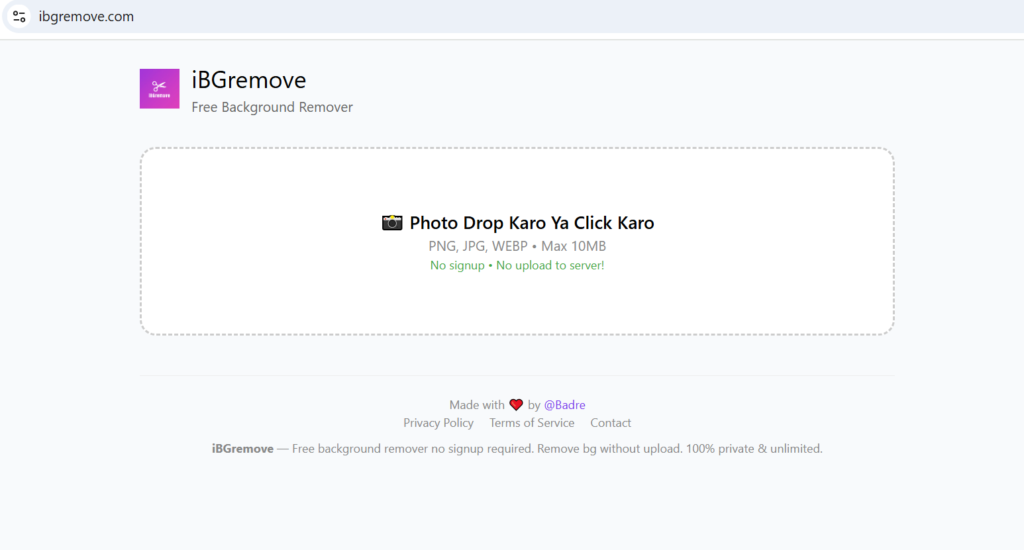
Step 1: Go to ibgremove.com
Open your browser (mobile or desktop) and visit ibgremove.com.
Step 2: Upload Your Photo
Click the upload button or drag-and-drop your image. Supported formats: PNG, JPG, WEBP. Maximum size: 10MB.
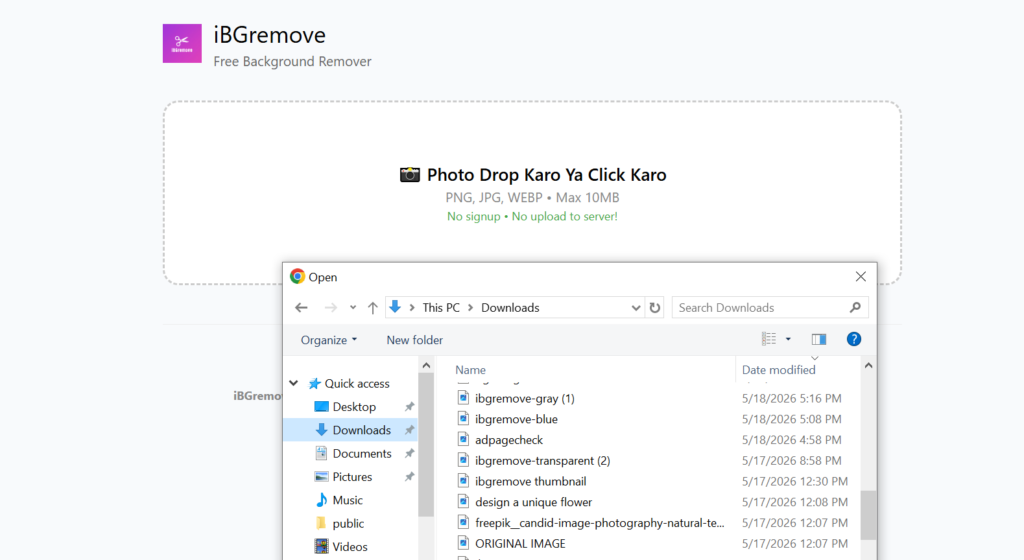
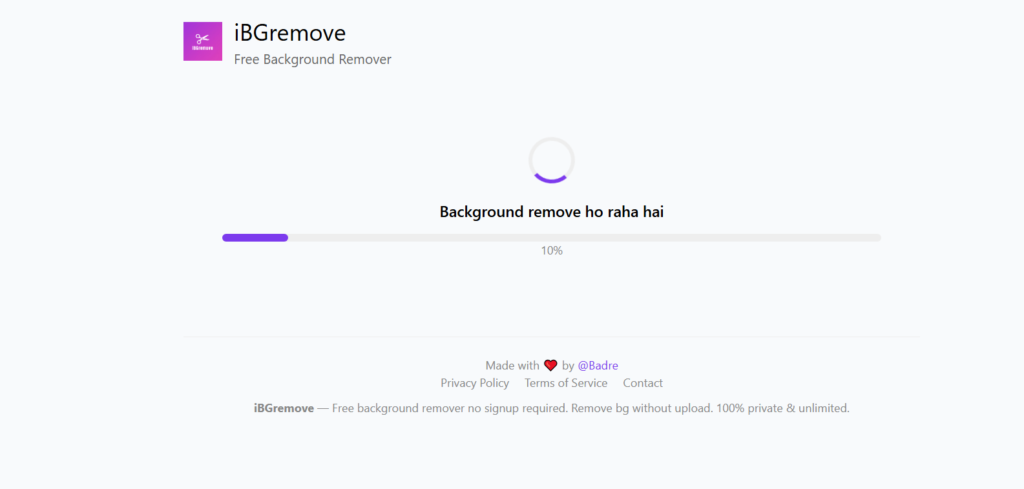
Step 3: Wait 3 Seconds
The AI processes your image entirely in your browser. No upload happens. You can even turn off your internet — it still works!
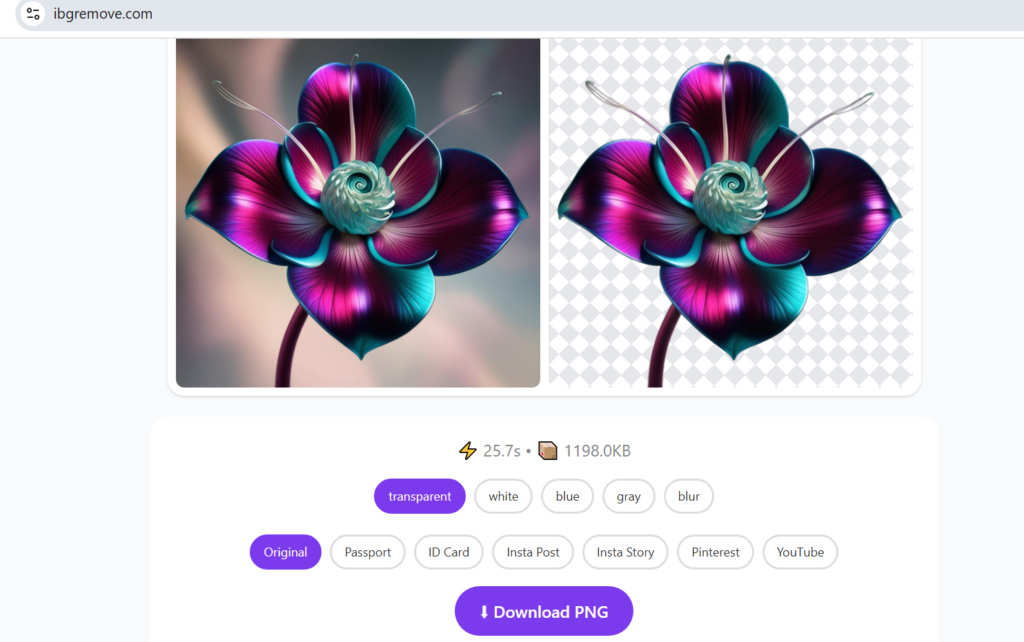
Step 4: Download Your Image
Choose your preferred background:
- Transparent (perfect for logos, overlays)
- White (best for Amazon, Meesho, eBay)
- Colored (match your brand)
- Blurred (soft, professional look)
Click download. Done!
Before / After
Here’s what iBGremove can do:
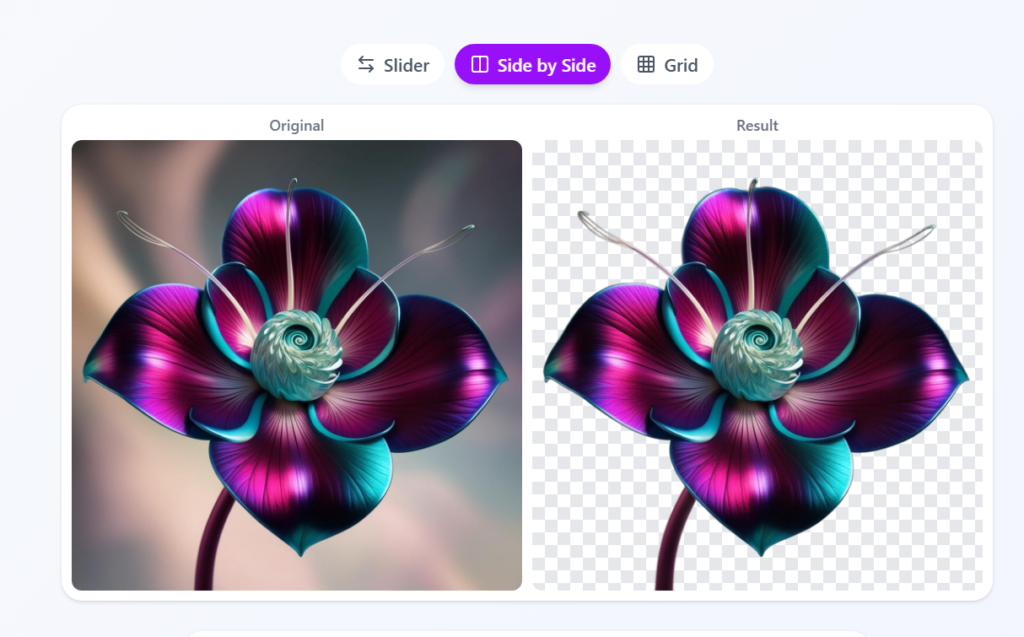
- E-commerce product photo → Clean white background for marketplace listing
- Portrait photo → Transparent background for professional profile picture
- Object photo → Ready for Instagram post or Facebook ad
Tips For Best Results
- Use photos with clear contrast between subject and background
- Good lighting helps the AI detect edges better
- For product photos, shoot against a plain wall for cleanest results
- Download in HD quality for printing or large displays
- Bookmark ibgremove.com — it’s free forever. Then, combine it with these 7 social media marketing strategies that actually convert to grow your online store.
Who Should Use This Tool?
iBGremove is perfect for:
🛍️ E-commerce sellers (Meesho, Amazon, Flipkart, Daraz)
📱 Social media creators planning consistent content — pair it with this free Instagram content calendar template to stay organized.
🎨 Freelance designers managing client accounts — grab these 21 Instagram Story ideas that get replies to boost engagement.
📸 Photographers (quick edits before sharing)
🏫 Students (projects, presentations)
💼 Small business owners (product catalogs, WhatsApp Business)
Frequently Asked Questions
Q1: Is iBGremove really free?
Yes, iBGremove is 100% free forever. No signup, no credit card, no hidden charges. Remove unlimited backgrounds without paying anything.
Q2: Are my photos safe on iBGremove?
Absolutely. iBGremove processes everything in your browser. Your photos never leave your device and never get uploaded to any server. It’s the safest background remover for privacy-conscious users.
Q3: Can I use iBGremove on my mobile phone?
Yes. iBGremove works perfectly on any device with a browser—Android, iPhone, tablet, or desktop. No app download needed.
Q4: What image formats are supported?
iBGremove supports PNG, JPG, and WEBP formats. Maximum file size is 10MB.
Q5: Can I remove background without internet?
Yes. Once the tool loads in your browser, you can even turn off your internet and it will still work. Everything runs locally on your device.
Q6: Is iBGremove good for Meesho/Amazon product photos?
Absolutely. iBGremove is perfect for e-commerce sellers. Create clean white background product photos for Meesho, Amazon, Flipkart, and Daraz in seconds.
Q7: How is iBGremove different from Remove.bg?
Remove.bg uploads your photos to their server. iBGremove processes everything in your browser—zero server uploads. Plus, iBGremove is unlimited and free forever, while Remove.bg limits free usage.
Conclusion
You don’t need expensive software. You don’t need to compromise your privacy. Whether you’re a Meesho seller needing a clean product photo or a freelancer protecting client data, iBGremove gives you professional-quality background removal in 15 seconds — completely free, completely private, forever. And if you’re a creator looking to monetize, check out this guide on affiliate marketing for creators to stop creating for free.
Ready to remove backgrounds safely?
👉 Start Now at ibgremove.com — It’s 100% Free & Private.